Design
Build on-brand slides in a visual editor, or bring your own images, video and HTML.

Create beautiful content, publish everywhere, invite interaction and prove what works—all from one effortlessly powerful platform.
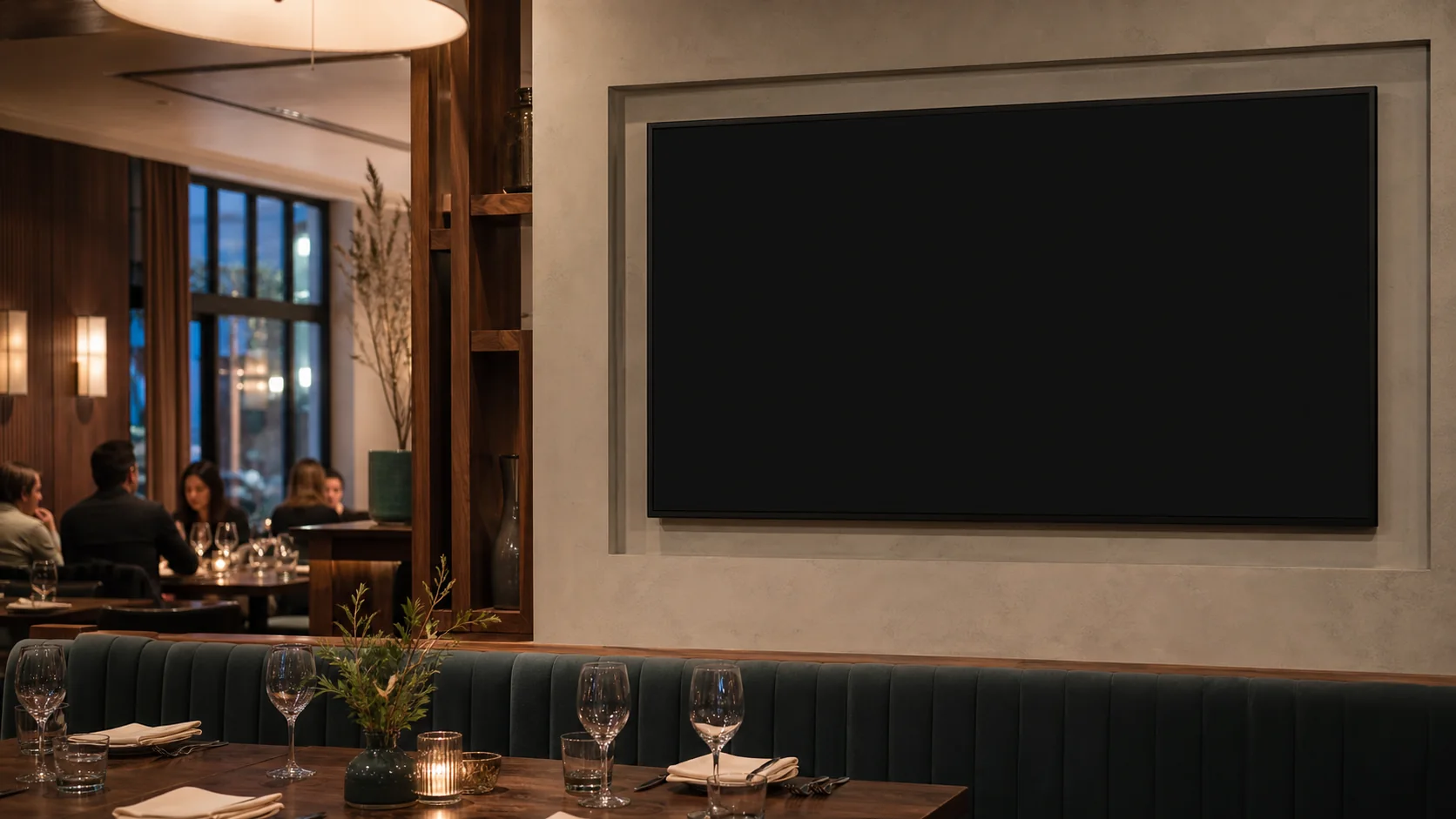
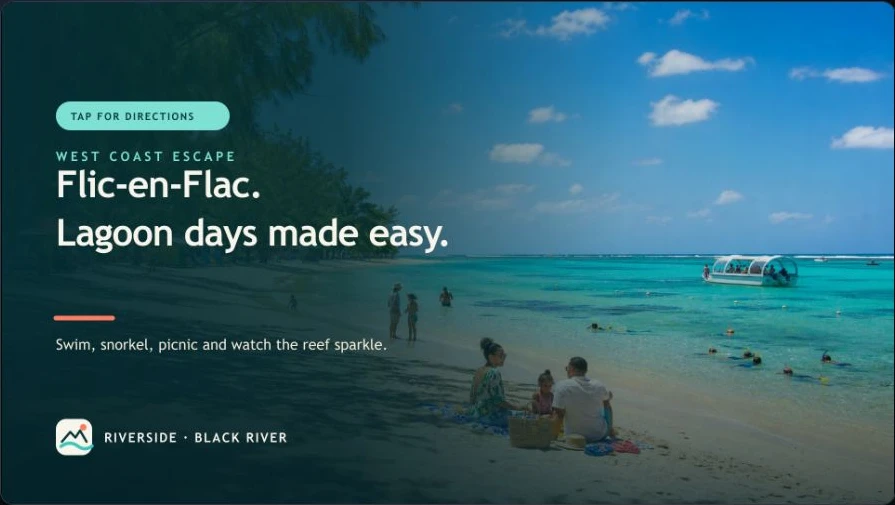
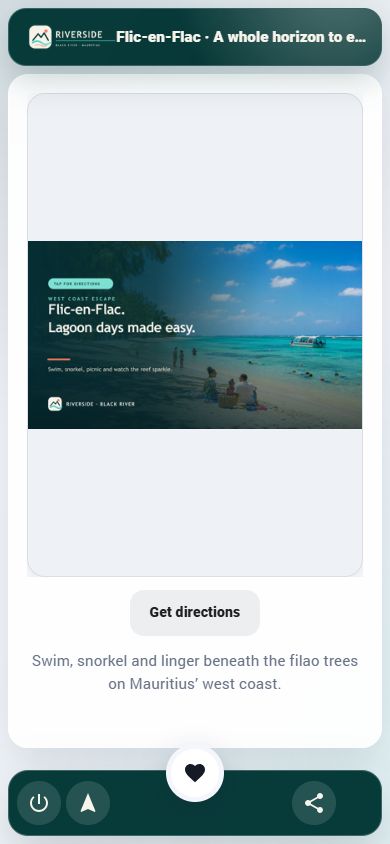
Screenz joins content creation, fleet control, audience interaction and privacy-aware measurement in a single, remarkably simple workflow.
Build on-brand slides in a visual editor, or bring your own images, video and HTML.
Order, time and target content by screen, group, date and time of day.
Publish instantly to Android TV and Fire TV players across every location.
Turn a QR scan into control, private audio, directions, sharing, follow-up and conversion.
See attention, action, outcomes and screen health in encouraging clarity.
Give Screenz the brand knowledge once, then use it to create consistent templates, slides, images and video—without rebuilding the brief for every campaign.
Start with a public website or approved brand material. Screenz proposes colours, fonts, tone and logo guidance for your team to review.
Turn the approved profile into editable landscape and portrait starter layouts—consistent foundations without locking your team into one design.
Describe the message and generate a finished, editable slide from an approved brand template. Refine it in the visual designer before publishing.
Create new campaign imagery or edit an AI-generated image inside the slide workflow, then keep the approved result with your Screenz media.
Produce short, screen-ready video assets for promotions, explainers and ambient content, ready for review before they enter a show.
Use AI only when it earns its place. AI features use optional prepaid credits, the price is shown before each action, and purchased credits do not expire.
See Screenz pricingThe display and phone show the same £5.25m Rezi property, exactly matched and presented in a premium estate-agency window. What the visitor sees, controls and acts on stays connected.
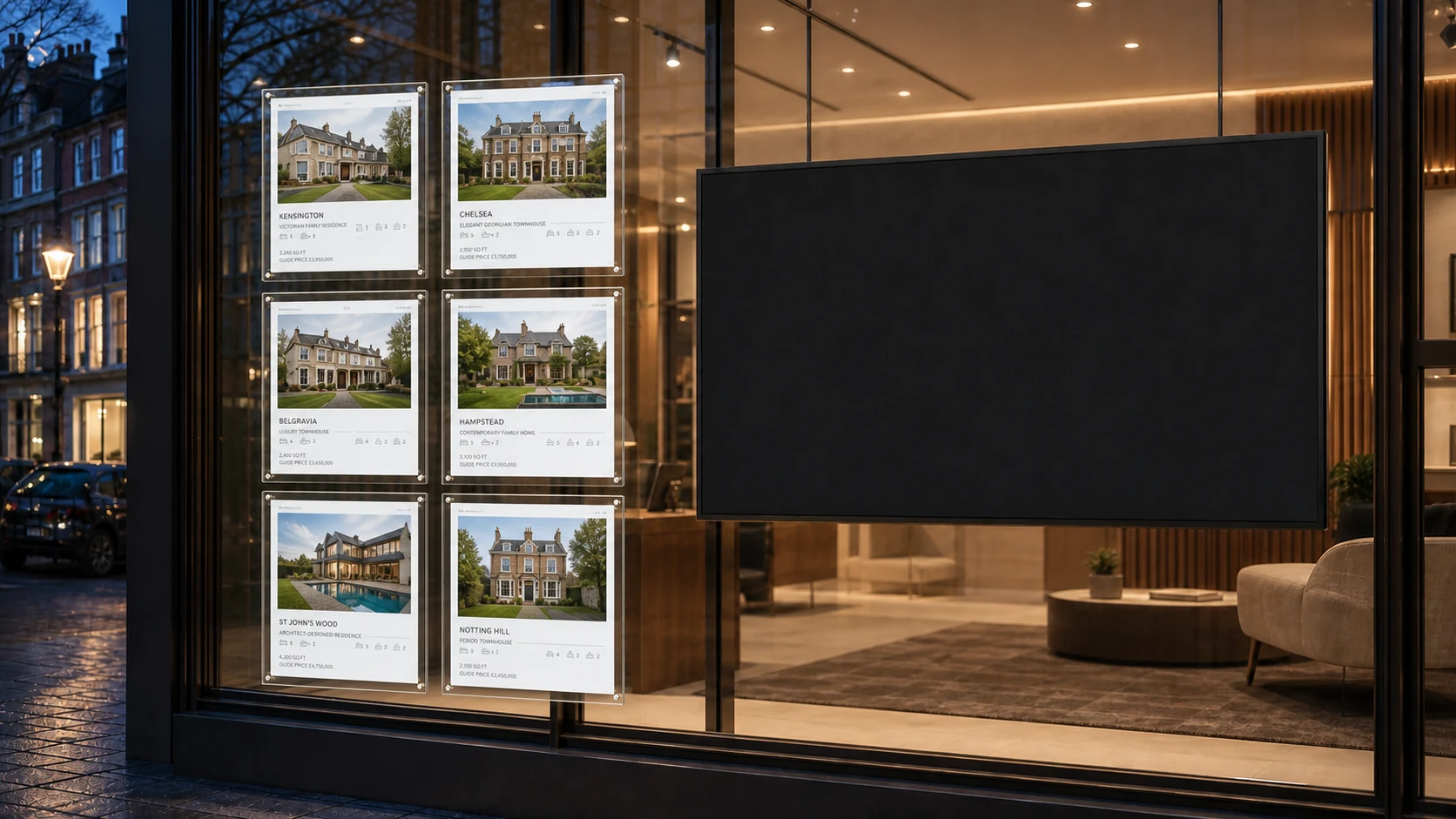
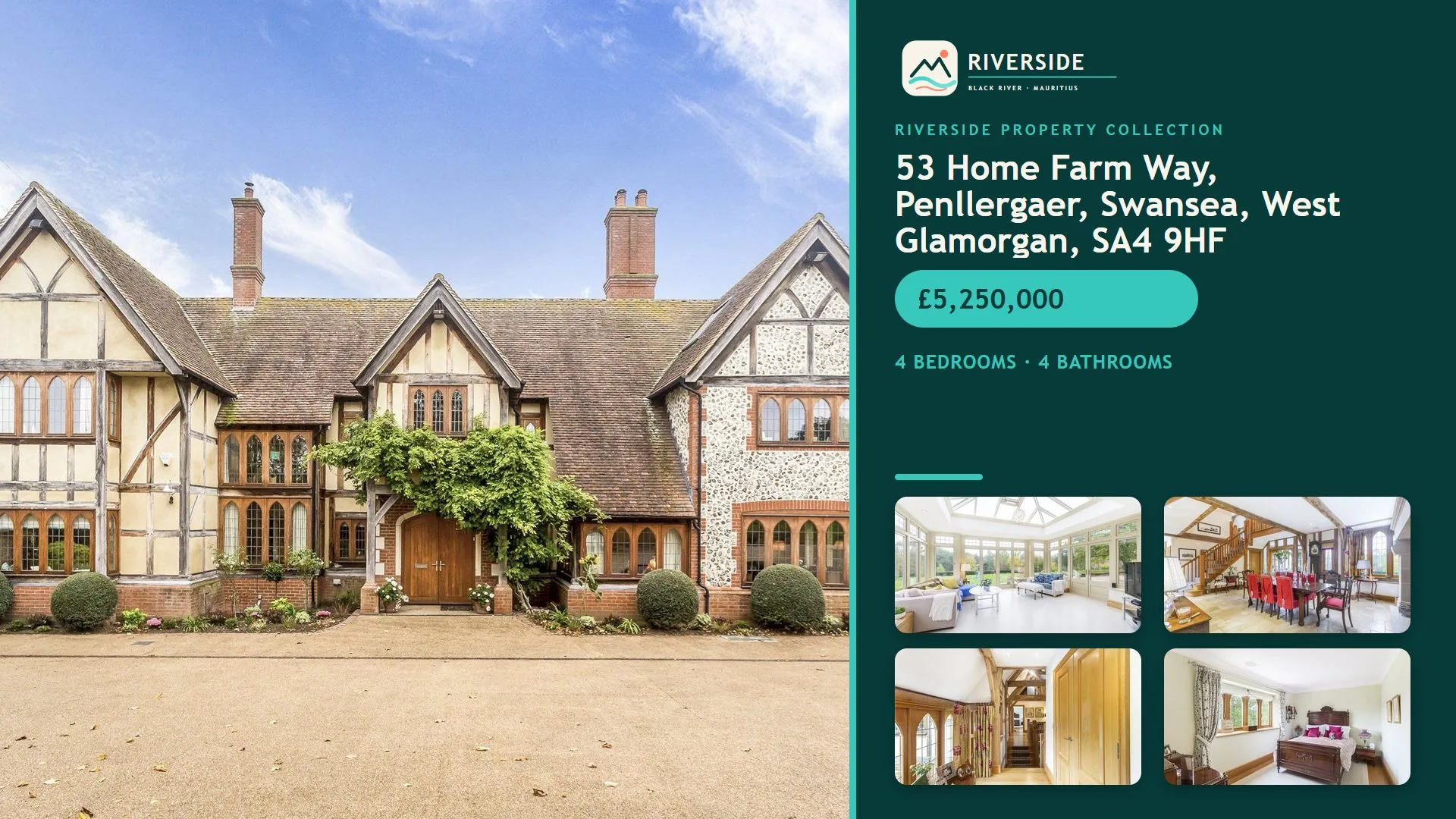
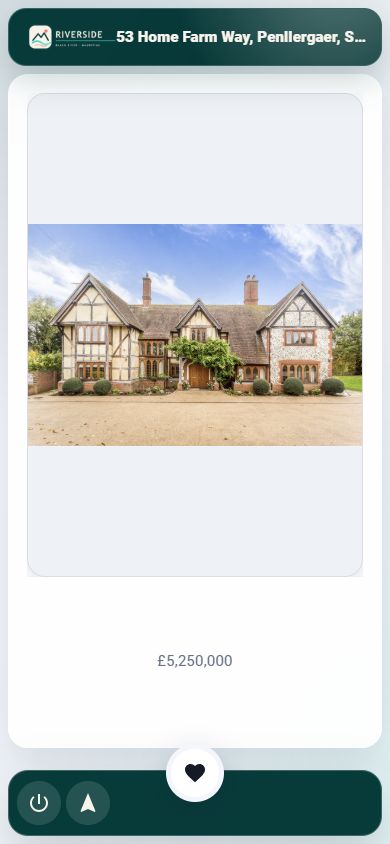
Every display has a real-world location, and any slide can carry its own destination. Screenz joins the two so a visitor can go somewhere, share something, take the next step or keep the information that caught their eye.
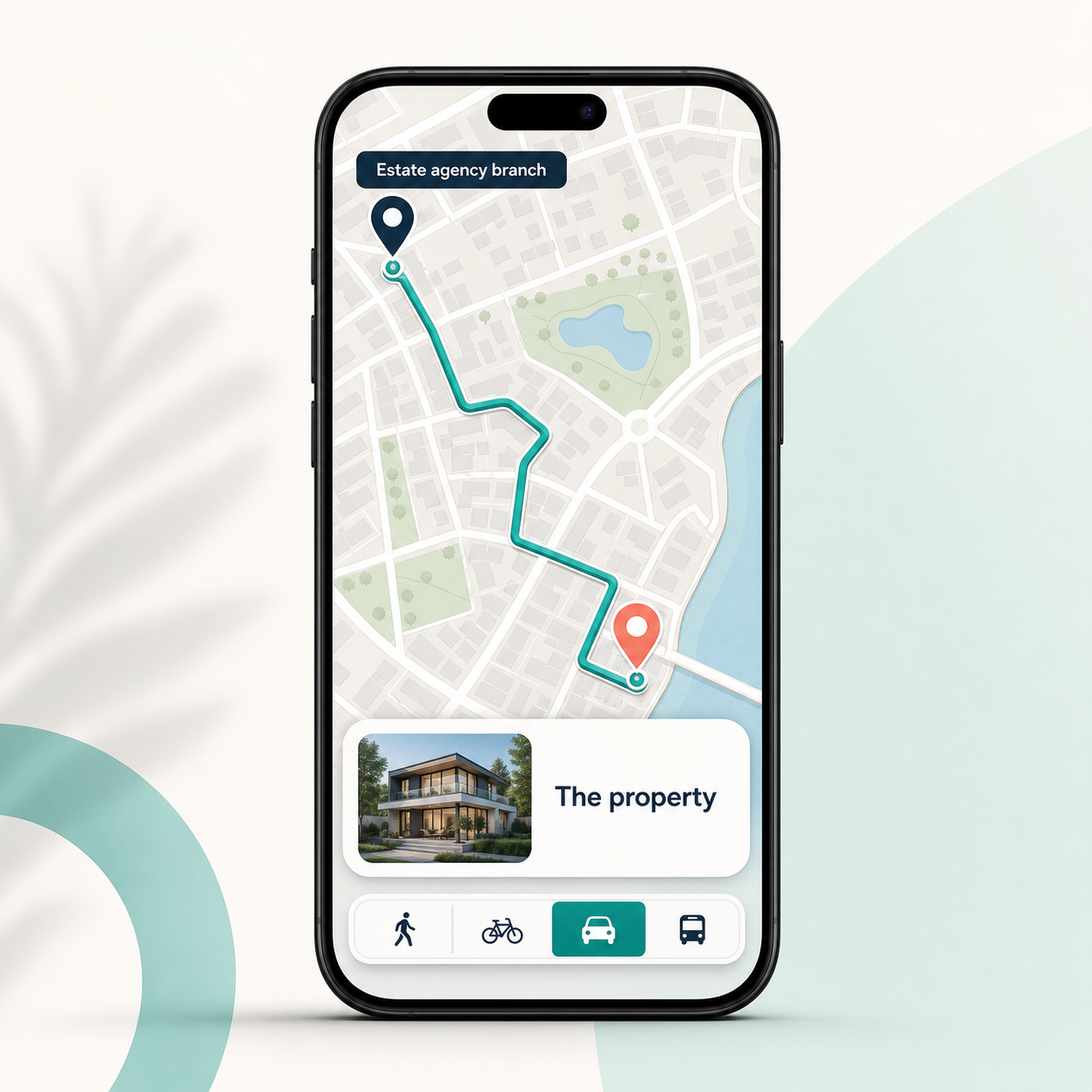
Open Google Maps from the display to the slide destination, with walking, cycling, driving or public-transport directions.
Visitors heart the slides they want. When they finish and confirm their email, Screenz sends one branded information email containing only their selected slides.
A one-off information request; future-marketing permission stays separate.Let visitors share an enabled slide's configured public link through Facebook, LinkedIn, X or email.
Add actions such as Book a viewing, Order this item or Register for a session. Screenz opens the external service safely on the phone, or approved content on the display.
A visitor scans the display with their own phone—no app to install—chooses a mapped entrance, clinic, department, ward entrance, car park or facility, then opens the route from that display. A custom action can also open the hospital's own detailed wayfinding or appointment page.
Branch display → property viewing
Centre screen → store, offer or event
Reception display → clinic or ward entrance
Welcome screen → building or talk
Venue display → session room
Counter screen → walk, hike or landmark
Visitor display → place of interest
Partner screen → neighbouring business
Screenz companies can request and approve affiliate relationships, make selected slides available to trusted partners and add approved local content to their own shows. The provider stays in control, while shared views and display time show the value moving around the network.
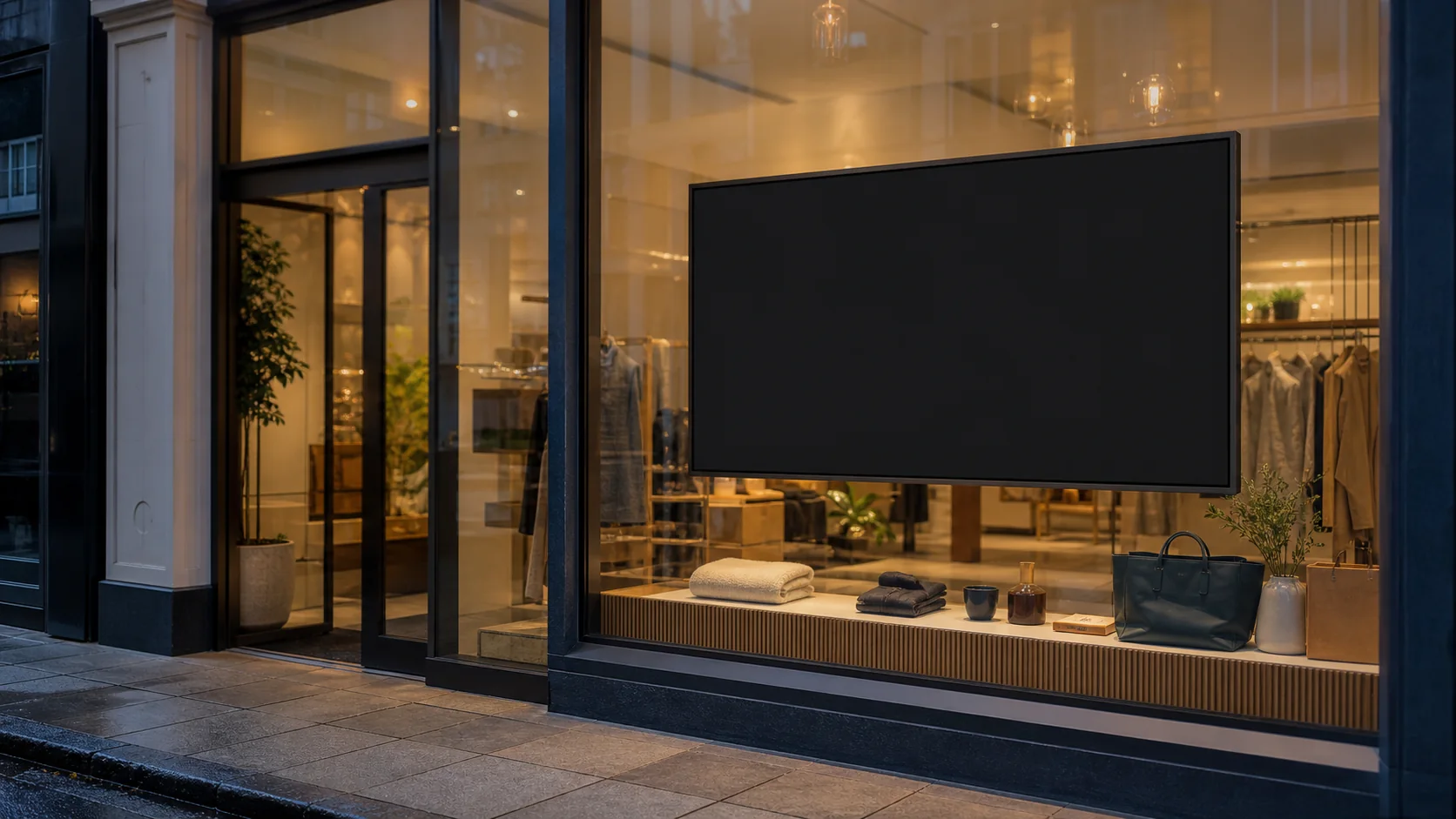

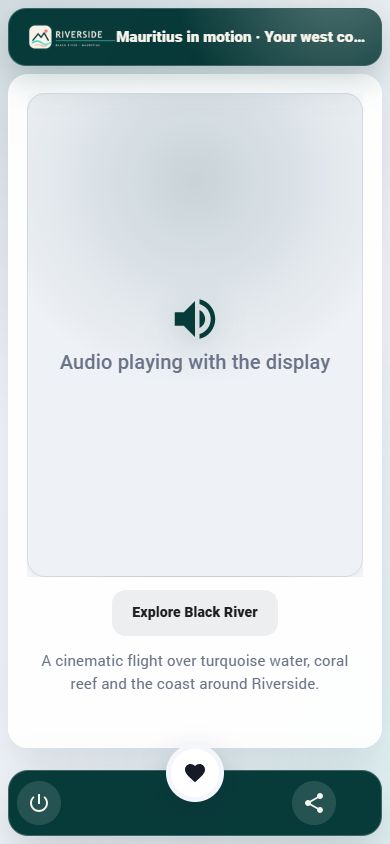
A silent window display can still tell its full story. The speaking presenter makes the soundtrack unmistakable, while the genuine Screenz phone state shows how synchronized audio follows privately in the viewer’s browser—with no app to install.
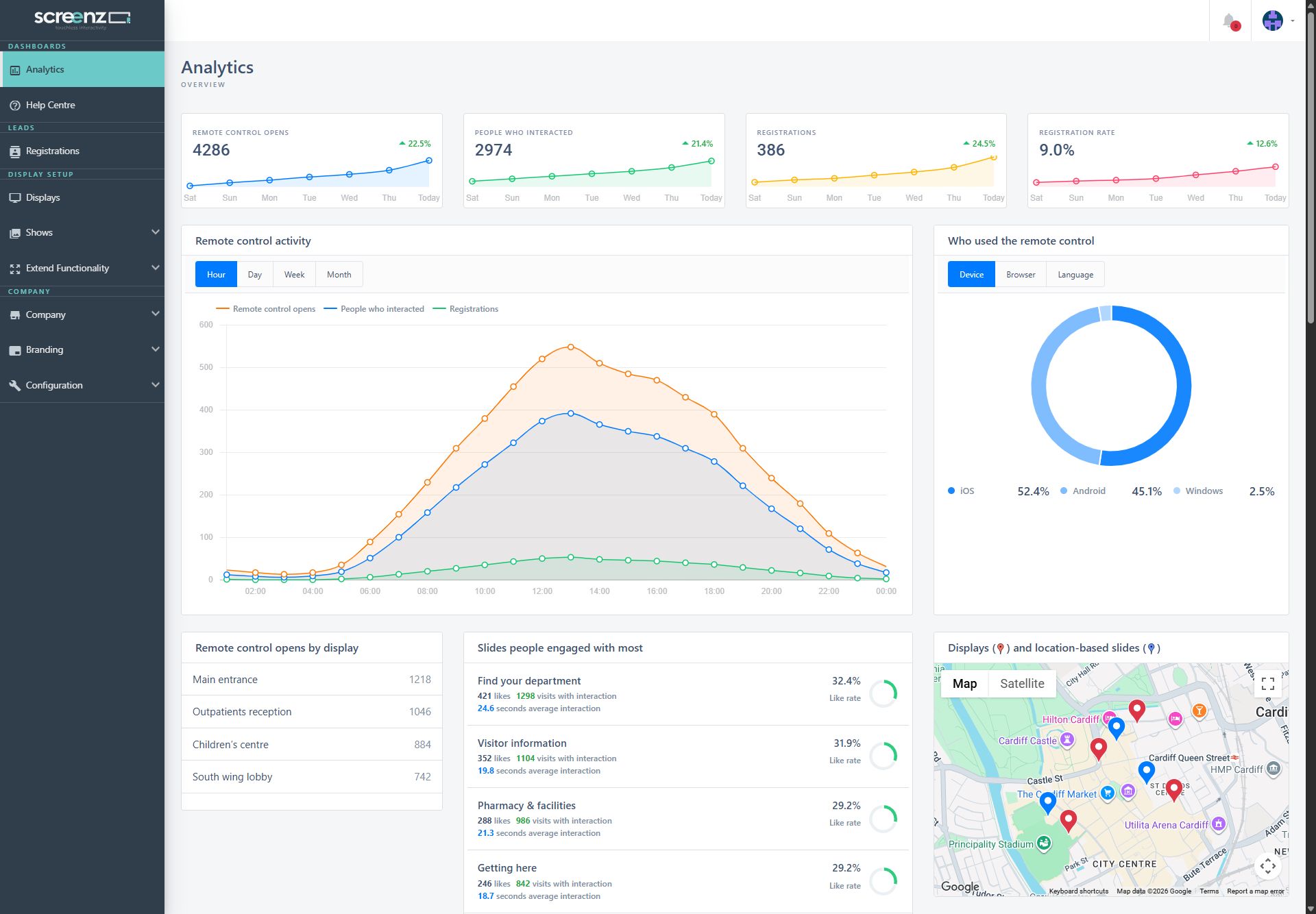
Turn raw screen activity into an encouraging, actionable story—without drowning your team in reports.
Screenz gives your team practical tools to capture consent, honour data rights and keep a clear evidence trail—across languages, displays and customer journeys.
Screenz provides privacy-management tools; it does not replace your organisation’s legal advice or responsibilities. Stripe remains the sole financial record keeper; Screenz retains only the operational and privacy evidence described in its notices.
Power for every team, kept organised and approachable.
Turn an idea into polished, on-brand content without a production bottleneck.
Send the right message to the right screen at exactly the right moment.
Make any ordinary display interactive through the phone already in their pocket.
Understand attention, action and service health from one live view.
Fit Screenz into your wider business while keeping control of people and data.
Keep every screen useful through patchy networks, reboots and service interruptions.
Whether the screen is across a shop, inside a hospital, behind a window or spread across a national estate, Screenz makes it easier to inform, guide, inspire and convert.
No specialist player hardware. Install the player, scan its registration QR and publish to the screen you already own.
Download the Screenz player from Google Play or the Amazon Appstore on your TV device.
Marketplace listings coming soon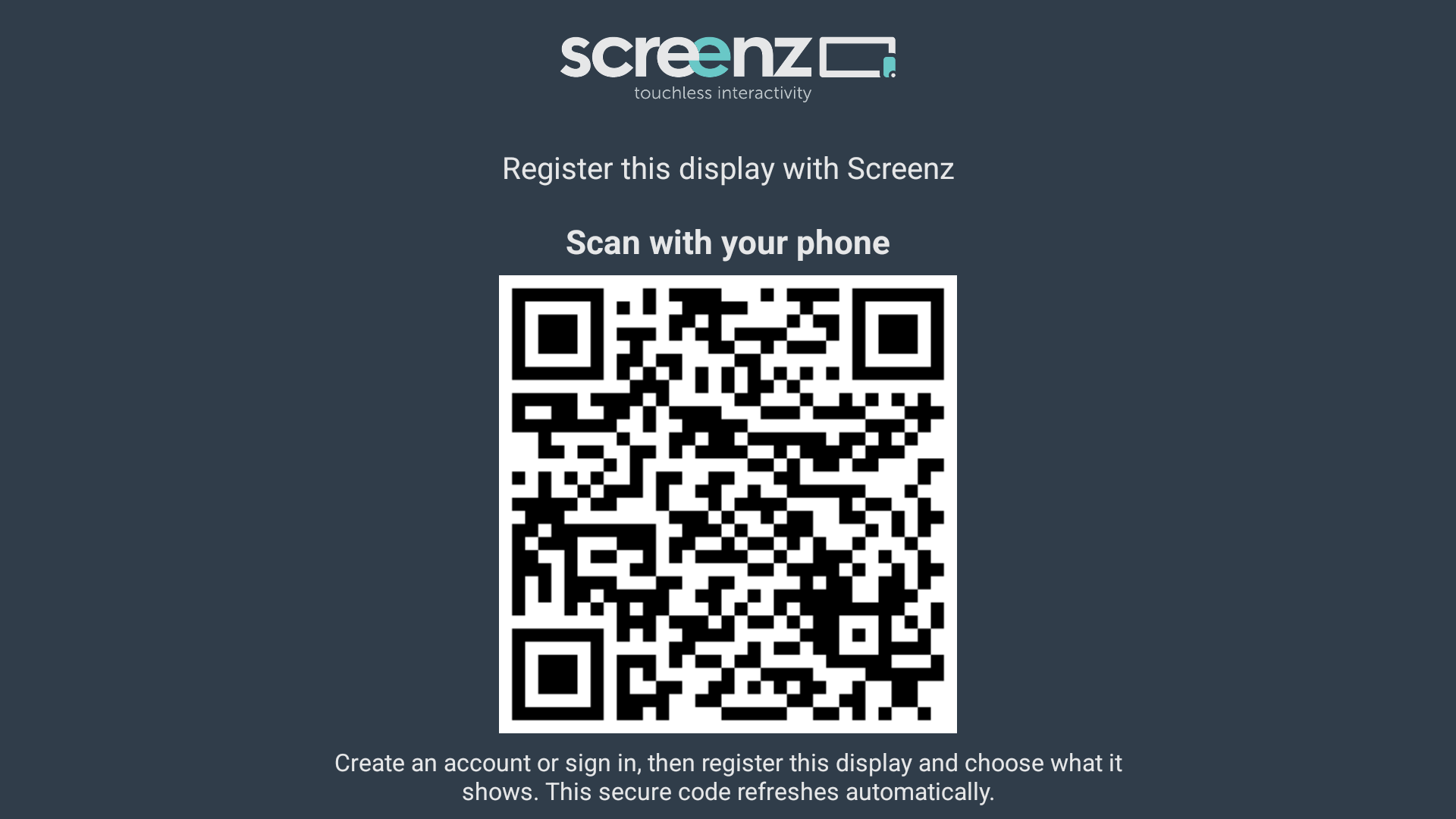
The player shows a secure, one-time QR code. Scan it with your phone, then enter the organisation and account-owner details. The public form does not collect a password, and the account stays inactive until its owner proves control of the email address.
On air Follow the time-limited email link to verify the address and create the password in the protected sign-in service. Then sign in to activate the company and start its fixed 30-day trial; you can organise screens, schedule and publish.
Want early marketplace access? Join the launch list and we’ll let you know as soon as the Google Play and Amazon Appstore listings go live.
Join the listFollow the secure email link to verify the account owner and create the password, then sign in to activate one fixed 30-day company trial with no card required. Every screen added during it shares the same end date, so screen rotation never restarts free access. Afterwards, one monthly company service contains pooled Signage and Engage seats that can move between eligible devices.
Beautiful, reliable digital signage with everything you need to create and publish.
Turn every screen into an interactive, measurable customer experience.
Prices exclude 20% VAT. No card is requested at signup; in-app and email reminders arrive 10, 5 and 1 day before the fixed trial ends. One regular monthly invoice then prepays the company’s pooled seats. Adding or upgrading beyond paid capacity never charges silently: excess screens stay paused until a billing administrator explicitly approves one prorated payment for all outstanding seat changes. Existing covered screens continue if that payment fails. Deleting a screen frees its seat and can reduce the next invoice, with no automatic refund for the current period. An eligible Engage screen can switch to Signage without a current-period refund; its Engage seat stays pooled until period end and the next invoice uses Signage pricing. Established renewals are attempted before the boundary; a failed attempt warns you while covered screens continue until that date. Payment details, invoices and receipts stay with Stripe and are not stored in the Screenz database. Hardware, installation, managed services and agreed premium third-party services are separate.
Still curious? We’d love to talk through your screens, locations and ideas.
Talk to ScreenzAfter the account owner follows the secure email link, verifies the address, creates their password and signs in, the company receives one fixed 30-day trial with no card required. Every display registered during that window shares the same trial end; deleting, replacing or re-registering a display does not restart or extend it. Afterwards, one company monthly service contains pooled Signage and Engage seats that can move between eligible devices.
Screenz does not collect a password on the public registration form. It emails the account owner a time-limited secure link that first proves control of the address and then lets that person create the password directly in the protected sign-in service.
No. If a new screen needs more seats than you have already paid for, it stays paused. A billing administrator sees one prorated estimate covering every outstanding seat change and must explicitly approve payment. Your existing covered screens keep playing if that payment is not completed or fails.
No card is requested at signup. Screenz warns the account contact in the app and by email 10, 5 and 1 day before the company trial ends. Established monthly renewals are attempted in advance. If a renewal needs attention, covered screens keep playing until the displayed period boundary and pause only if payment is still unresolved then.
Yes. Paid Signage and Engage seats are pooled and can move between eligible devices. Deleting a screen frees its seat; unused capacity reduces the next invoice without an automatic part-period refund. An Engage screen can switch to Signage after its current and scheduled interactive uses are removed: the Engage seat stays transferable for the paid period and the next invoice uses Signage pricing.
No. The free period belongs to the verified company account, not to an individual screen. Screenz remembers a privacy-protected installation identifier for a device it has already seen, so reusing that known installation or scanning a fresh registration code cannot grant another trial. Email verification, rate limits and registration security checks add protection when an installation identity genuinely changes.
No. They scan the QR code and Screenz opens a secure, mobile-first remote in their browser. They can explore, request information, control the experience or listen to synchronised audio without installing anything.
They can navigate between slides, listen privately, open Google Maps directions from the display to a slide’s destination, share an enabled public link, run configured actions and heart slides for an emailed information pack. Screenz sends only the selected information after the visitor confirms the request and email address; optional future-contact consent remains separate.
A public display becomes an own-phone wayfinding and information point rather than a shared touchscreen. Each display supplies the starting location and a slide can supply a mapped entrance, clinic or department as the destination. Custom actions can open the hospital’s own detailed maps, appointment pages or contact information, and configured language versions can support more visitors. Screenz is for public visitor information and wayfinding, not patient records or clinical decisions; the organisation should check every route before publication and provide an alternative for people who cannot use a phone.
Yes. Screenz includes an affiliate marketplace where companies request and approve relationships, make selected slides available to trusted partners and add approved partner content to their own shows. Providers keep control of their slides, while both sides can see shared views and display time.
Cached media, HTML and the last-known-good configuration can keep playing only within the screen’s server-verified access lease. Screenz reconnects automatically and refreshes when a newer configuration is available. If payment access cannot be revalidated before that bounded lease expires, the screen safely pauses.
Yes. Build ordered slide shows, set individual timings and transitions, then schedule actions by day, date and time for a screen or group of screens.
Screenz records consent evidence, supports translated privacy and cookie notices, manages information and data-subject requests, and provides access and erasure workflows. Your organisation remains responsible for configuring lawful purposes and approved wording.
Yes. Save reusable logos, colours, fonts and design assets, apply them in the visual designer, and manage language variants across slides, remote journeys, consent wording and emails.
The player is built for Android TV and Amazon Fire TV. A browser simulator is also included for testing and demonstrations before you deploy to a physical screen.
Stripe hosts payment setup, authentication, invoices and receipts. Screenz does not store card details, Stripe identifiers, amounts, invoices, transactions or paid-through history in its database; it reads only the current Stripe outcome and covered-period information needed to decide live access.
No extra charges are applied for account users, translations, normal email delivery, remote sessions, analytics, webhooks, or ordinary storage and transfer.
Install the player and scan its secure QR code. We then email the account owner a protected link to verify the address and create the password; signing in starts the one fixed 30-day company trial without a card.
No password on the public form · Verified email activation · Pooled screen seats afterwards